
Key Takeaways
- SaaS sites must convert visitors into trial users and recurring subscribers, not just close one-time sales like traditional websites.
- Communicate your core value proposition within five seconds using direct language that names the specific problem you solve.
- Build trust with layered social proof: testimonials with metrics, customer logos, case studies, and security badges like SOC2 or GDPR.
- Keep page load under three seconds and design mobile-first, since over half of web traffic now comes from mobile.
- Webflow is a popular choice for SaaS companies thanks to its design flexibility, SEO tools, and conversion features.
Key Takeaways
- SaaS websites serve as powerful marketing platforms that must convert visitors into trial users and paying customers through compelling messaging, social proof, and transparent pricing strategies
- Essential elements include clear value propositions, hero sections with demo videos, customer testimonials, mobile-responsive design, and optimized call to action buttons that guide visitors toward conversion
- Top-performing saas websites in 2025 like Stripe, Figma, and Notion demonstrate best practices through clean design elements, interactive demos, and user friendly platforms that build trust with potential customers
- Webflow has emerged as the leading website builder for saas companies, chosen by 60% of successful businesses for its design flexibility, SEO capabilities, and conversion optimization features
- Effective saas website design requires continuous A/B testing, page load speeds under 3 seconds, and personalized user experiences that address specific target audience needs and potential concerns
The SaaS industry is projected to reach $260.1 billion by 2025, representing unprecedented growth in cloud-based software solutions. With this explosive expansion comes fierce competition, making your saas website more critical than ever for business success. Unlike traditional business websites that focus on one-time sales, saas websites must excel at converting website visitors into trial users and, ultimately, loyal subscribers who provide recurring revenue.
Best saas websites share common characteristics that separate them from typical corporate sites. They prioritize user engagement, feature transparent pricing, and create intuitive user experiences that streamline operations for potential customers. From early stages startups to established enterprises, saas companies depend on their websites to communicate complex value propositions clearly and build trust with marketing teams and decision-makers.
This comprehensive guide examines 25+ best saas website examples, explores key elements that drive conversions, and provides actionable strategies for building websites that turn visitors into customers. Whether you’re launching your first saas product or optimizing an existing platform, these insights will help you create a website that stands out in today’s competitive marketplace.
What is a SaaS Website?
A saas website serves as the primary marketing platform for Software as a Service companies that promote subscription-based software products delivered through cloud infrastructure. Unlike traditional software websites that sell one-time purchases, saas sites focus on demonstrating ongoing value and converting website visitors into recurring subscribers through compelling messaging and user friendly design.
The primary purpose of any saas website is converting visitors into trial users and paying customers through strategic placement of engaging visuals, social proof, and clear messaging that addresses the target audience’s specific pain points. Best saas websites accomplish this by showcasing platform functionality through interactive demos, customer testimonials, and transparent pricing that builds trust with potential users.
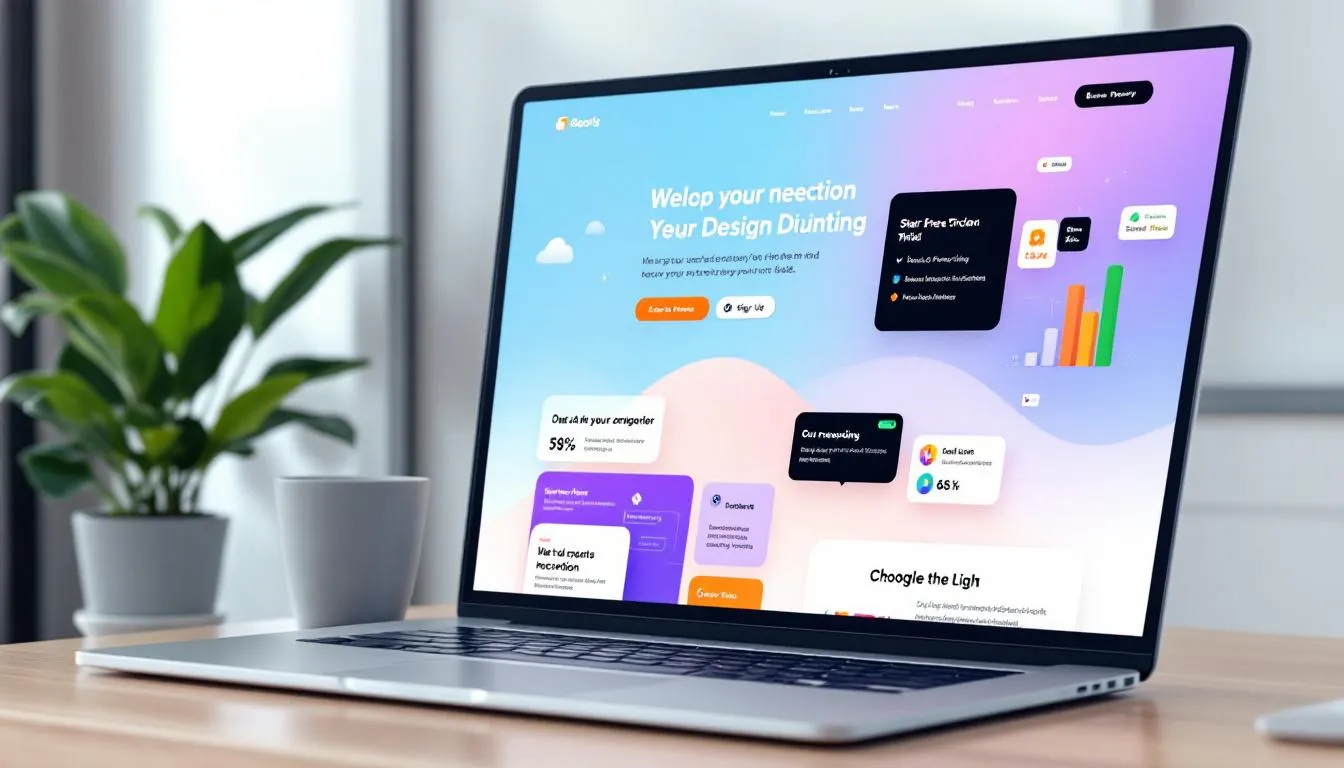
Successful examples include companies like Slack, which uses direct language and ample white space to communicate team collaboration benefits, and Zoom, which emphasizes video quality and meeting features through product screenshots and feature highlights. Canva demonstrates creative possibilities through vibrant design elements, while HubSpot focuses on comprehensive marketing solutions with extensive case studies and online courses.
The key difference from traditional websites lies in the focus on recurring revenue models rather than single transactions. Saas websites must address potential concerns about data security, platform reliability, and long-term value while guiding visitors through different landing pages optimized for specific use cases and customer segments.
Target audiences for saas websites typically include business decision-makers seeking software solutions, IT professionals evaluating technical capabilities, and end-users who will interact with the platform daily. Each audience segment requires tailored messaging and different entry points that address their unique concerns and decision-making criteria.
Essential Elements of High-Converting SaaS Websites
High-converting saas websites incorporate specific design elements and strategic components that guide website visitors toward becoming paying customers. These key elements work together to create user friendly platforms that address potential concerns while showcasing the platform’s value proposition effectively.
Clear Value Proposition Statement
The most effective saas websites communicate their main benefit within five seconds of a visitor’s arrival. This value proposition should use direct language that explains exactly how the software solves specific problems for the target audience. Best platform examples like Stripe immediately communicate payment processing simplicity, while Notion emphasizes workspace versatility for teams and individuals.
Your value proposition must address the primary pain points your potential customers face and clearly articulate how your saas product provides superior solutions compared to competitors. This messaging should appear prominently in the hero section and be reinforced throughout the entire website experience.
Hero Section Optimization
The hero section represents your most valuable website real estate and should include a compelling headline, supporting subheading, and prominent call to action buttons that encourage immediate engagement. Well designed saas websites use this space to showcase their platform through hero images, product screenshots, or embedded demo videos that demonstrate core functionality.
Effective hero sections also incorporate social proof elements such as customer logos, user counts, or review scores that build credibility with first-time visitors. Companies like Monday.com excel at this approach by displaying colorful, engaging design alongside clear pricing information and customer success indicators.
Interactive Demos and Product Screenshots
Potential customers need to see your platform in action before committing to trials or subscriptions. The best saas websites provide interactive demos that allow visitors to explore key features without requiring registration, removing friction from the evaluation process and increasing user engagement.
Product screenshots should highlight the most compelling features and demonstrate the platform works in real-world scenarios. These visuals should be updated regularly to reflect current interface design and new functionality, ensuring accuracy and maintaining user trust throughout the evaluation process.
Social Proof and Trust Signals
Building trust requires multiple forms of social proof, including customer testimonials, case studies, security certifications, and compliance badges that address potential concerns about data protection and platform reliability. Advanced technology companies particularly benefit from displaying certifications like SOC2, ISO 27001, and GDPR compliance prominently throughout their marketing materials.
Customer testimonials should include specific results and metrics when possible, showing how the platform helped businesses streamline operations, increase revenue, or improve efficiency. Case pages that detail implementation success stories provide deeper proof points for enterprise customers evaluating complex business software solutions.
Transparent Pricing Strategy
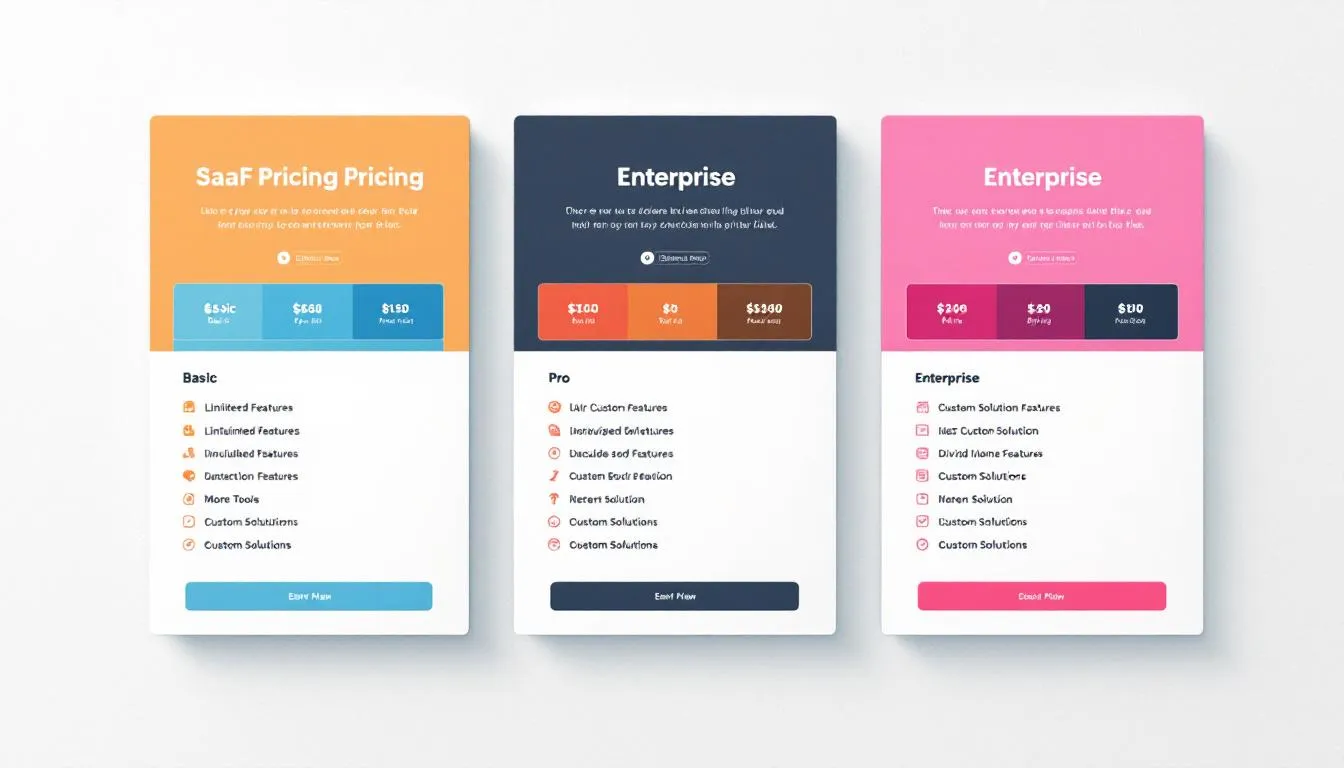
Pricing pages represent critical conversion points where potential customers make purchasing decisions. The best saas websites display multiple subscription tiers with clear feature comparisons, annual discount options, and straightforward monthly subscription pricing that eliminates confusion and reduces decision friction.
Effective pricing strategies also address common customer concerns through money-back guarantees, free trial periods, and clear explanations of what happens when usage limits are exceeded. This transparency builds confidence and reduces the perceived risk of trying new business tools.
25+ Best SaaS Website Examples in 2025
The following examples represent exceptional saas websites that demonstrate best practices across different industries and customer segments. Each example showcases specific strengths in design, messaging, user experience, and conversion optimization that other saas companies can adapt for their own marketing efforts.
Project Management & Productivity
Notion stands out with its clean interface that showcases workspace versatility through interactive product demos and comprehensive feature highlights. The website uses ample white space and clear structure to guide visitors through different use cases, from personal note-taking to enterprise project management. Their landing pages effectively demonstrate how one platform can replace multiple tools, appealing to businesses seeking to streamline operations.
Asana employs minimalist design principles that emphasize team collaboration features and workflow automation capabilities. The website guides visitors through different team sizes and project types, using engaging visuals and customer testimonials to demonstrate platform effectiveness. Their approach to user friendly design makes complex project management concepts accessible to teams in early stages of digital transformation.
Monday.com captures attention with colorful, engaging design that reflects the platform’s visual approach to project tracking. The website effectively uses bold typography and hero images to showcase customization possibilities while maintaining clear messaging about team productivity benefits. Their transparent pricing and feature comparisons help potential customers understand value propositions quickly.
ClickUp demonstrates comprehensive feature coverage through multiple landing pages optimized for specific use cases and customer segments. The website excels at addressing different audiences, from small teams to enterprise organizations, while maintaining consistent messaging about platform versatility and integration capabilities.
Trello reflects its product’s card-based interface through simple, board-inspired visual design that immediately communicates how the platform works. The website uses direct language and product screenshots to show rather than tell, making it easy for potential users to understand the platform’s collaborative approach to task management.
Design & Creative Tools
Figma incorporates interactive design elements that demonstrate collaborative features and real-time editing capabilities central to the platform’s value proposition. The website serves as a showcase of design excellence while providing clear information about features, pricing, and integration options for design teams and developers.
Canva uses vibrant, creative design that showcases template variety and ease of use for non-designers. The website effectively demonstrates how the platform democratizes design through extensive template libraries and user-friendly editing tools, appealing to marketing teams and small businesses without dedicated design resources.
Framer adopts an Apple-inspired aesthetic with smooth animations and developer-friendly messaging that appeals to technical audiences. The website showcases advanced design capabilities while maintaining accessibility for users who want powerful tools without steep learning curves.
Adobe Creative Cloud emphasizes professional design capabilities and integration benefits across multiple creative applications. The website targets established creative professionals while demonstrating how cloud-based collaboration enhances traditional creative workflows.
Communication & Collaboration
Slack uses straightforward messaging focused on team productivity and workflow integration capabilities. The website demonstrates how the platform connects with other business tools through extensive integration showcases and customer success stories from various industries and company sizes.
Zoom maintains clean, professional design that highlights video quality and meeting features essential for remote collaboration. The website addresses enterprise security concerns while showcasing ease of use that appeals to teams ranging from small startups to large corporations.

Discord employs gaming-inspired design that appeals to communities and casual team communication needs. The website effectively communicates how the platform serves both gaming communities and business teams seeking informal collaboration tools.
Microsoft Teams focuses on enterprise-grade design that showcases security features and business integration capabilities. The website targets IT decision-makers and business leaders evaluating comprehensive collaboration solutions for large organizations.
Marketing & Sales
HubSpot demonstrates comprehensive inbound marketing focus through extensive educational resources, online courses, and case studies that establish thought leadership. The website serves multiple audiences from marketing teams to sales professionals, providing clear pathways for different user types and business sizes.
Mailchimp uses playful, approachable design that makes email marketing accessible to small businesses and entrepreneurs. The website effectively communicates advanced features while maintaining simplicity that doesn’t intimidate users new to digital marketing.
Salesforce showcases enterprise-grade design emphasizing CRM capabilities and business transformation potential. The website targets large organizations while providing clear information about implementation, training, and ongoing support services.
ConvertKit focuses on creator economy messaging with testimonials from successful online entrepreneurs and content creators. The website demonstrates email marketing specifically for content creators, course builders, and digital entrepreneurs.
E-commerce & Payments
Stripe exemplifies developer-friendly design with clear API documentation and payment processing focus that appeals to technical implementers. The website balances technical detail with business benefits, addressing both developers who implement the solution and business leaders who make purchasing decisions.
Shopify showcases e-commerce success stories and template options for online store creation. The website effectively demonstrates how businesses can launch and scale online retail operations using their platform, appealing to entrepreneurs and established retailers expanding into digital commerce.
Square targets small business owners with design emphasizing point-of-sale and payment solutions for physical retail locations. The website demonstrates integration between online and offline commerce while addressing the specific needs of brick-and-mortar businesses.
Analytics & Data
Google Analytics uses data-driven design that showcases insights and reporting capabilities essential for digital marketing teams. The website demonstrates how businesses can understand customer behavior and optimize marketing efforts through comprehensive analytics tools.
Mixpanel targets developers and technical users with advanced analytics capabilities and integration guides. The website balances technical depth with business value explanation, helping both technical implementers and business stakeholders understand the platform’s benefits.
Hotjar focuses on user experience analysis through heatmap visualizations and behavioral analytics that help businesses understand website visitor behavior. The website uses engaging visuals to demonstrate how insights lead to improved conversion rates and user satisfaction.
Customer Support & CRM
Zendesk emphasizes customer service excellence through support ticket management and knowledge base features. The website demonstrates how businesses can improve customer satisfaction while reducing support costs through efficient ticketing systems and self-service options.
Intercom uses conversational design that reflects chat-based customer communication approach. The website showcases how businesses can provide personalized customer support at scale through automated messaging and targeted communication strategies.
Freshworks presents modern, clean design showcasing customer experience management solutions for businesses seeking comprehensive support platforms. The website effectively demonstrates integration capabilities and scalability for growing businesses.
SaaS Website Design Best Practices for 2025
Creating effective saas websites requires following established design principles while adapting to current user expectations and technological capabilities. These best practices focus on conversion optimization, user experience, and technical performance that directly impact business results.
Above-the-Fold Optimization
The most critical website real estate appears before users scroll, making above-the-fold optimization essential for capturing attention and encouraging further engagement. Place your primary value proposition, compelling hero image, and clear call to action buttons within this first viewport to maximize website conversions.
Effective above-the-fold sections use concise information and direct language that immediately communicates platform benefits. Avoid cluttering this space with excessive information; instead, focus on one primary message that encourages visitors to explore deeper into your website or start a trial.
Page Load Speed Performance
Modern users expect websites to load in under three seconds, making page speed optimization crucial for reducing bounce rates and improving user engagement. Optimize images, minimize code, and use content delivery networks to ensure fast loading times across all devices and geographic locations.
Page speed directly impacts search engine rankings and user satisfaction, making it essential for both SEO performance and conversion optimization. Regular performance audits help identify bottlenecks that could harm user experience and business results.
Mobile-Responsive Design Standards
With over 50% of web traffic coming from mobile devices, responsive design is no longer optional for saas websites. Ensure your entire website functions seamlessly across smartphones, tablets, and desktop computers while maintaining visual consistency and usability.
Mobile optimization extends beyond responsive layouts to include touch-friendly navigation, readable typography, and optimized forms that work well on smaller screens. Test your website regularly on actual devices to identify usability issues that automated testing might miss.

A/B Testing Implementation
Continuous optimization requires systematic testing of different design elements, messaging variations, and user flow options to identify what drives the highest conversion rates. Focus on testing headlines, call to action buttons, pricing displays, and landing page layouts that directly impact business metrics.
Implement testing tools that provide statistical significance data rather than relying on intuition or small sample sizes. Document test results to build knowledge about what resonates with your target audience and apply these insights to future design decisions.
SEO Optimization Strategy
Search engine optimization helps potential customers discover your saas website through organic search results. Create landing pages optimized for specific keywords related to your platform’s features, use cases, and industry applications.
Focus on creating valuable content that addresses customer pain points while naturally incorporating relevant keywords. Build authority through educational resources, case studies, and thought leadership content that establishes your company as an industry expert.
Accessibility Compliance
Following WCAG guidelines ensures your website serves users with disabilities while improving overall usability for all visitors. Implement proper heading structures, alt text for images, keyboard navigation support, and sufficient color contrast ratios.
Accessibility improvements often benefit general usability, making your website easier to navigate for all users while potentially expanding your addressable market to include users with diverse needs and capabilities.
Best Platforms for Building SaaS Websites
Choosing the right platform for building your saas website impacts design flexibility, development time, maintenance requirements, and long-term scalability. Each option offers different advantages depending on technical expertise, budget constraints, and specific business requirements.
Webflow: The Leading Website Builder
Webflow has emerged as the leading website builder for saas companies, chosen by 60% of successful businesses for its combination of design flexibility and technical capabilities. The platform enables custom design creation without requiring extensive coding knowledge while providing SEO optimization tools and conversion tracking features.
The platform excels at creating responsive designs that work seamlessly across devices while offering advanced animation capabilities and custom interactions that engage visitors. Webflow’s hosting infrastructure ensures fast loading speeds and reliable performance essential for business applications.
For marketing teams without extensive technical resources, Webflow provides an ideal balance between creative control and ease of use. The platform’s content management system allows team members to update website content without developer assistance while maintaining design consistency.
Custom Development Solutions
For saas companies requiring maximum customization and control, custom development using frameworks like React, Vue.js, or Angular provides unlimited flexibility for creating unique user experiences. This approach works best for businesses with dedicated development resources and specific technical requirements.
Custom development enables integration with existing business systems, implementation of complex user flows, and creation of unique design elements that differentiate your brand. However, this option requires significant time investment and ongoing maintenance compared to platform-based solutions.
Consider custom development when your saas product requires unique functionality, complex integrations, or specific performance optimizations that platform builders cannot accommodate effectively.
WordPress with Premium Themes
WordPress remains a cost-effective solution for smaller saas companies with limited budgets, especially when combined with premium themes designed specifically for software businesses. This option provides good design flexibility while keeping development costs manageable.
Many high-quality WordPress themes include conversion optimization features, responsive design, and SEO optimization built-in. However, WordPress requires more technical maintenance and security management compared to hosted platform solutions.
Choose WordPress when budget constraints are primary concerns and you have access to basic technical support for ongoing maintenance and security updates.
Framer for Modern Design
Framer offers advanced design capabilities with sophisticated animation tools and developer handoff features that appeal to design-focused teams. The platform provides extensive customization options while maintaining user friendly interfaces for content management.
Framer works well for saas companies prioritizing cutting-edge design and interactive user experiences. The platform’s collaboration features enable design teams to work efficiently while maintaining version control and design consistency.
Ghost for Content-Focused Strategies
Ghost provides an excellent foundation for saas companies prioritizing content marketing and educational resources. The platform excels at blog management, newsletter integration, and SEO optimization for companies building authority through thought leadership.
While Ghost offers fewer design customization options compared to other platforms, it provides superior content management capabilities and loading speed optimization that benefits companies focusing on inbound marketing strategies.
SaaS Website Conversion Optimization Strategies
Effective conversion optimization transforms website visitors into paying customers through strategic design decisions, persuasive messaging, and reduced friction throughout the customer journey. These strategies focus on increasing trial signups, reducing abandonment rates, and improving overall website conversions.
Free Trial Optimization
Offering free trials removes barriers to initial product adoption while providing opportunities to demonstrate value before requesting payment information. Reduce friction by eliminating credit card requirements during signup and extending trial periods long enough for users to experience meaningful benefits.
Clear trial messaging should explain what users can accomplish during the trial period and provide guidance for getting started quickly. Include onboarding sequences that help new users achieve early wins and understand core platform features that drive long-term value.
Monitor trial conversion rates and identify common drop-off points where users abandon the evaluation process. Use this data to optimize onboarding flows and address potential concerns that prevent trial users from becoming paying customers.
Exit-Intent Technology
Exit-intent popups capture leaving visitors with discount offers, extended trials, or alternative call to action options before they navigate away from your website. This technology provides final opportunities to convert visitors who might not return to your website.
Effective exit-intent campaigns offer genuine value rather than aggressive sales tactics. Consider providing educational resources, scheduling demo calls, or offering consultations that address specific customer concerns and pain points.
Test different exit-intent messaging and offers to identify what resonates most with your target audience while avoiding approaches that create negative user experiences or damage brand perception.
Live Chat Integration
Providing immediate support through live chat helps answer questions during the decision process and reduces barriers to trial signup or purchase. Many potential customers have specific questions about features, pricing, or implementation that prevent immediate conversion.
Train chat support teams to understand common customer concerns and provide helpful responses that guide visitors toward appropriate next steps. Use chat interactions to identify frequently asked questions that should be addressed proactively on your website.
Implement chat routing that connects visitors with appropriate team members based on their specific needs, whether technical questions, pricing inquiries, or implementation planning discussions.

Personalization Strategies
Display different messaging based on visitor source, industry, company size, or previous website behavior to create more relevant experiences that address specific audience needs. Personalization increases engagement by showing visitors information most relevant to their situations.
Use visitor data to customize landing pages, feature highlights, and pricing displays that match different customer segments. For example, show enterprise features to large company visitors while emphasizing ease of use and affordability for small business prospects.
Implement progressive profiling that gradually collects visitor information to improve personalization over time while avoiding invasive data collection that might discourage engagement.
Retargeting Campaign Integration
Re-engage website visitors through targeted advertising on social media and search platforms to maintain brand awareness and encourage return visits. Many potential customers need multiple touchpoints before making purchasing decisions, especially for business software investments.
Create retargeting campaigns that provide additional value rather than repetitive sales messages. Share case studies, educational content, or product updates that demonstrate ongoing innovation and customer success.
Segment retargeting audiences based on website behavior to deliver relevant messaging that addresses specific interests or concerns identified during initial website visits.
FAQ
What makes a SaaS website different from other business websites?
Saas websites focus on subscription-based revenue models rather than one-time purchases, requiring emphasis on long-term value demonstration and customer retention strategies. They typically feature free trial offers, tiered pricing structures, and ongoing customer success messaging rather than traditional product sales approaches. Additionally, saas sites must address concerns about data security, platform reliability, and integration capabilities that are less relevant for conventional business websites.
How much does it cost to build a professional SaaS website?
Professional saas website costs range from $5,000-$15,000 for template-based solutions using platforms like Webflow to $25,000-$100,000+ for fully custom designs with advanced functionality. Webflow templates specifically designed for saas companies typically cost $1,000-$3,000, while hiring specialized agencies for comprehensive websites with conversion optimization features usually requires investments between $15,000-$50,000. Ongoing maintenance and optimization should be budgeted at 10-20% of initial development costs annually.
What are the most important pages every SaaS website needs?
Essential pages include a homepage with clear value proposition and hero section, comprehensive pricing page with feature comparisons and transparent pricing, product or features pages showcasing functionality through screenshots and demos, about page building company credibility and team trust, contact or demo request pages for lead generation, and dedicated landing pages for different customer segments or marketing campaigns. Additional valuable pages include case studies, integration documentation, and educational resource libraries.
How often should SaaS websites be updated and redesigned?
Saas websites should undergo major redesigns every 2-3 years to stay current with design trends, user expectations, and competitive landscape changes. However, continuous optimization through A/B testing, content updates, and minor design improvements should happen monthly to maintain competitive advantage. Pricing pages and feature descriptions require updates whenever product changes occur, typically quarterly or with major feature releases. Security certifications, customer testimonials, and case studies should be refreshed every 6-12 months.
What metrics should SaaS companies track for their website performance?
Key performance metrics include conversion rate from visitor to trial signup (typically 2-5% for well-optimized sites), trial-to-paid conversion rate (industry average 15-25%), organic search traffic growth indicating content marketing effectiveness, page load speeds under 3 seconds for optimal user experience, mobile responsiveness scores for device compatibility, and customer acquisition cost from website traffic. Advanced tracking should monitor user engagement metrics like time on site, pages per session, and specific feature page visits that indicate purchase intent.

Leo Pirela is the founder of L&S Creative, a Webflow agency that embeds into B2B SaaS marketing teams as their web department. He's been building on Webflow since 2016 and a finalist at Webflow Award for Technical Achievement at Webflow Conf 2023 for his work with DoorLoop. He writes about turning SaaS websites into pipeline, Webflow development, migrations, CRO, and the technical SEO most marketing teams overlook.