- Short answer: yes, with conditions. Webflow gives you the technical foundation. You still have to fill it in.
- The three conditions that make "yes" true: you set per-page titles and meta, you bind SEO fields on CMS templates, and you keep publishing content.
- The biggest myth is that no-code equals bad code. Webflow ships clean, semantic HTML. That is not the failure point.
- The biggest real risk is duplicate meta on CMS pages. Skip the field-binding step and Google can index one page out of hundreds.
- Migrating onto Webflow does not have to cost you rankings. We have run it on 250+ page and 500+ page sites with zero ranking loss, when the redirects are mapped properly.
- Webflow is not a shortcut around content, links, or authority. No platform is.
Yes. Webflow is good for SEO, as long as you configure it and keep publishing. It gives you clean code, fast hosting, and every core SEO control (titles, meta, canonicals, redirects, sitemaps) without a plugin. What it does not do is rank the site for you. That part is still on you, same as any platform.
If you want the full "how," we already wrote it: the Webflow SEO Guide 2026 covers CMS setup, Core Web Vitals, and getting cited by AI. This page answers the question people ask before that: can Webflow even do the job.
"Yes, if…": what Webflow actually does well for SEO
Here is what you get out of the box, no plugin required:
- Clean, crawlable code. Webflow generates semantic HTML without the bloat page builders on other platforms tend to add.
- Fast hosting by default. Global CDN, solid baseline speed. That matters because Core Web Vitals (LCP, INP, CLS) are a ranking input.
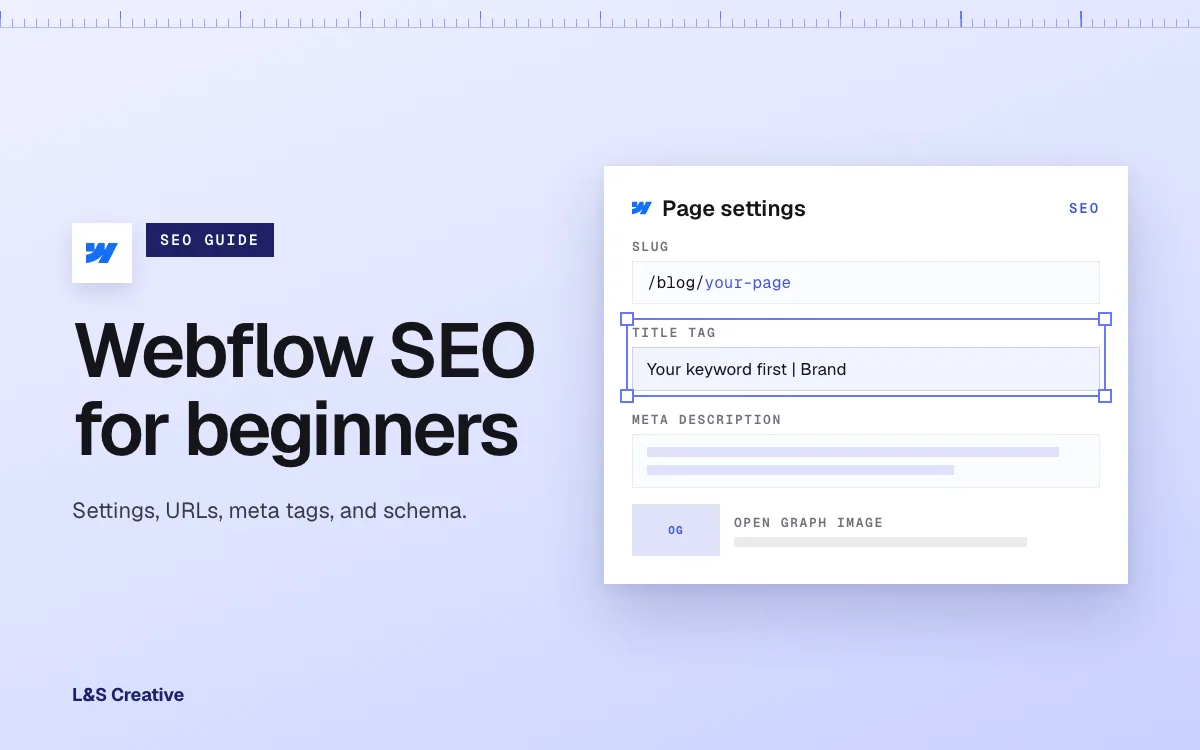
- Per-page SEO controls. Every static page gets its own title tag and meta description, set in the page settings.
- Native technical SEO. Auto-generated XML sitemap, native 301 redirects, and canonical tag support, all without a third-party plugin.
- CMS fields that scale. On a Collection template, you bind the SEO title and description to CMS fields once, and every blog post, case study, or resource page gets its own unique meta automatically.
That is a genuinely strong foundation. Most of what used to be "the WordPress-plugin advantage" (Yoast-style meta control, redirects, sitemaps) is now native to Webflow.
The "if" part: none of it fires unless someone sets it up. An unconfigured Webflow site ranks about as well as an unconfigured anything else. SEO is not a feature you get by choosing a platform. It is work you still have to do, whichever platform you pick.
Where Webflow does not help you
To be straight with you, here is what Webflow will not solve:
- It will not write your content. Rankings are still earned with real content that answers real questions.
- It will not build your backlinks or authority. That is earned off-site, same as anywhere.
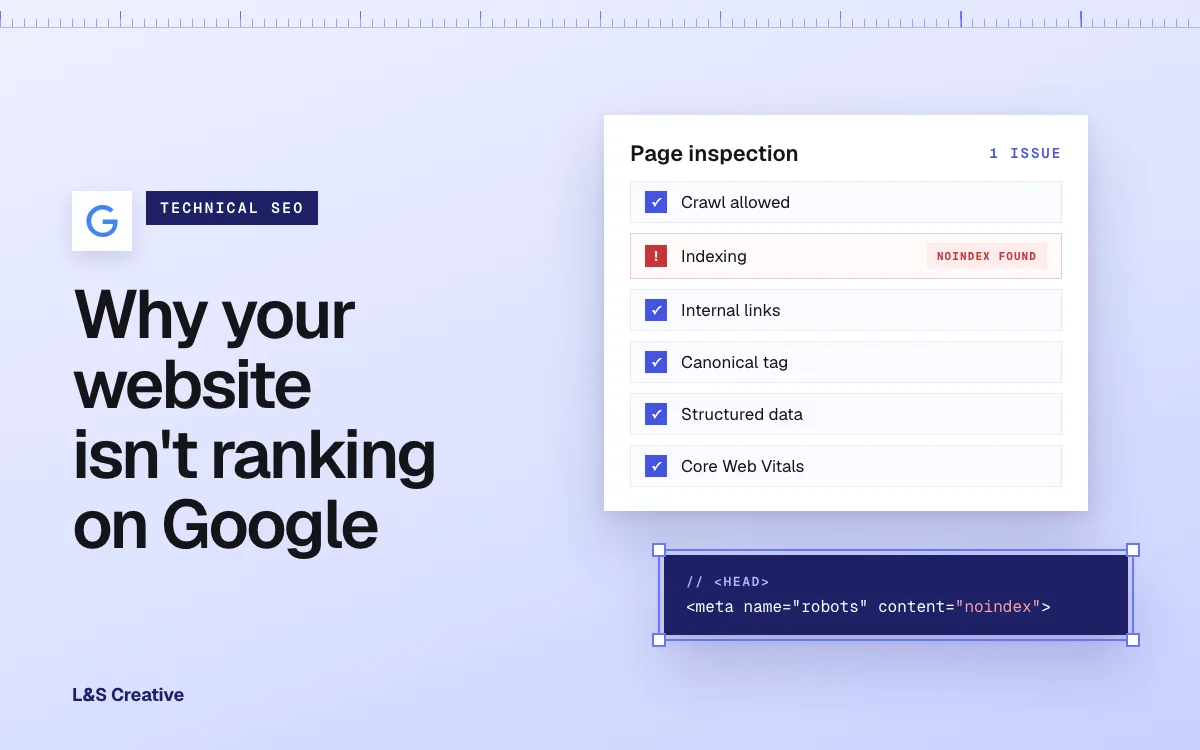
- It will not stop you from shooting yourself in the foot. The single most common Webflow SEO mistake we see is a site that launches with indexing still switched off from staging. That is a one-checkbox fix, and it kills a launch every time someone forgets it.
- It has one real technical trap. If you build a CMS Collection (blog, resources, case studies) and never bind the SEO fields to the template, every single item inherits the same generic title and description. Google reads that as duplicate content and typically indexes only one page out of the whole collection. We have audited B2B sites with 300 blog posts and one indexed page. It is fixable in an afternoon once you know to look for it.
None of that is a Webflow weakness exactly. It is the same list of things that determine whether any website ranks. Webflow just changes how you fix them.
Webflow SEO: myth vs. reality
- "No-code tools produce bad SEO code." Myth. Webflow outputs clean, semantic HTML. Code quality has not been the thing holding Webflow sites back for years.
- "Any Webflow site ranks automatically." Myth. SEO settings in Webflow are per-page. Nothing fills them in for you, and an unconfigured site will not outrank anyone.
- "Migrating to Webflow tanks your rankings." Myth, if the migration is planned. We moved Transfr's 250+ page WordPress site to Webflow with zero ranking loss and an 86.3% speed gain, and moved Team Cymru off Wix across roughly 500 static pages plus thousands of dynamic ones, also with zero ranking loss. Google has said for years that a 301 redirect does not cost you PageRank. The risk is a sloppy migration, not the destination platform.
- "Webflow can't do technical SEO (redirects, canonicals, schema)." Myth. All three are native: 301 redirects, canonical tags, and JSON-LD schema via a custom code embed, no plugin needed.
- "Webflow's CMS meta binds itself." Reality check, not a myth exactly, more a trap: it does not bind itself. You have to set the pattern on the Collection template once. Skip that step and you get the duplicate-meta problem above.
- "Webflow's plans got better for content-heavy sites in 2026." True. Webflow merged its CMS and Business plans into one Premium Site plan in May 2026, raising limits to 20,000 CMS items and 40 Collections. More room to grow a content library without hitting a wall.
How to do it right (the short version)
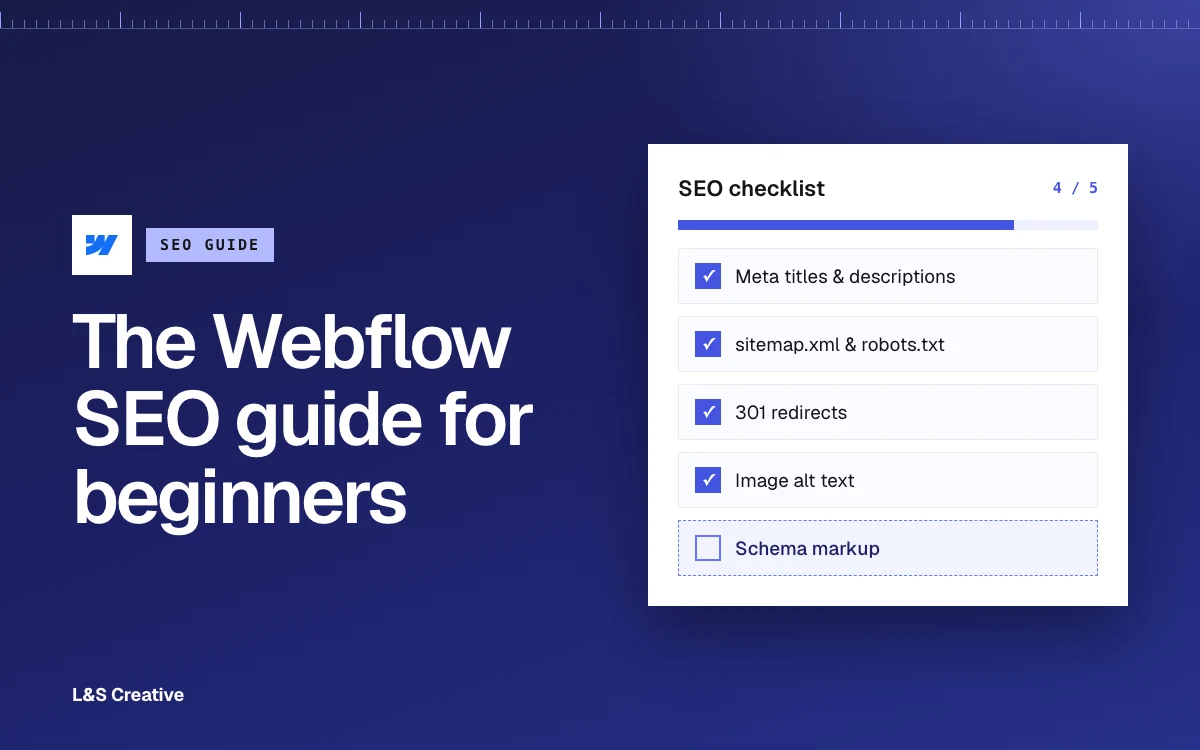
You do not need a huge checklist to start. You need these, in order:
- Confirm the site is set to be indexed before you launch, not after.
- Set title and meta description on every static page. Keep titles under 60 characters.
- Bind SEO fields on every CMS Collection template (title, description, Open Graph) so each item gets its own unique meta.
- Turn on the sitemap and submit it in Google Search Console.
- Map every old URL to a 301 if you are migrating, and keep the redirects live for at least a year.
- Keep publishing. Webflow can carry a fast content cadence. It cannot replace one.
For the deeper version of every one of these steps, including Core Web Vitals targets and what actually earns AI citations in 2026, that is the full Webflow SEO Guide 2026.
Webflow vs. WordPress for SEO
Short version, because people ask this in the same breath: neither platform wins SEO by default. Execution wins. We laid out the full platform decision, including where WordPress is genuinely the better call, in Webflow vs WordPress: The 2026 B2B Verdict.
The honest limit
We will not tell you Webflow is a silver bullet, because it is not one. On our own site, rebuilding how we publish grew our search impressions by roughly 244% in four weeks. Our click-through rate is still under 1%. More impressions came easy. Turning them into clicks and pipeline is the ongoing work, and no platform does that part for you either.
That is the honest state of SEO on any platform in 2026: the tools got better, the fundamentals did not change.
Frequently asked questions
Is Webflow good for SEO? Yes. It gives you clean code, fast hosting, per-page title and meta control, native canonical tags, and 301 redirects without plugins. It provides the technical foundation to rank. It does not replace content, links, or authority, and none of it works until you configure it.
Does Webflow hurt your SEO if you migrate from WordPress? Not if the migration is planned. We have moved 250+ page and 500-plus-page sites onto Webflow with zero ranking loss by mapping every old URL to a 301 redirect. Google has confirmed that 301s do not cost you PageRank. The risk comes from a rushed migration, not from Webflow itself.
Is Webflow better than WordPress for SEO? Neither platform wins SEO outright. Both can rank well when configured correctly. The bigger decision between the two is usually about hosting control, bandwidth, and team size, not SEO. See our full Webflow vs WordPress verdict.
Do you need to be a developer to do SEO on Webflow? No. Titles, meta descriptions, alt text, redirects, and even JSON-LD schema are all available through Webflow's visual interface and a custom code embed. You do not need to touch server files or write PHP the way you often do on WordPress.
Why doesn't my Webflow blog show up in Google even though I have hundreds of posts? Almost always duplicate meta. If you never bind the SEO title and description fields on your CMS Collection template, every post inherits the same generic meta, and Google indexes only one page out of the whole collection. Bind the fields to each post's own data and the problem clears.