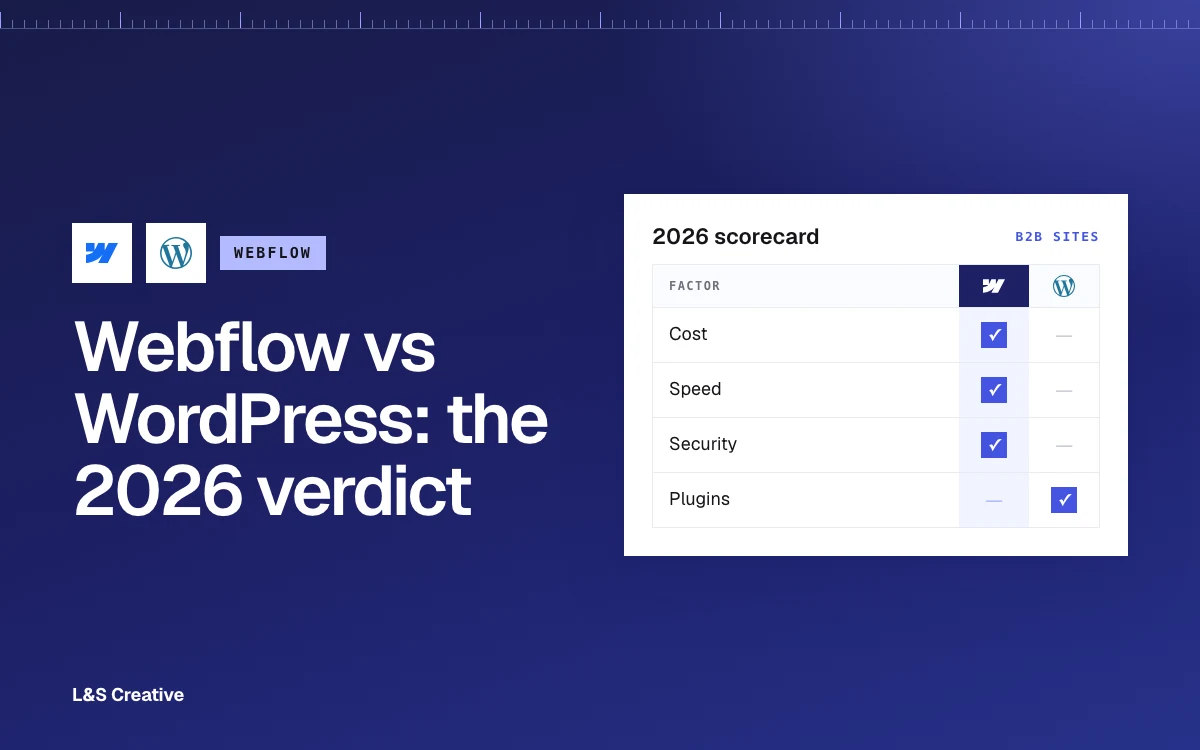
- Webflow wins for most B2B marketing sites that value speed to ship, design control, and not babysitting infrastructure.
- The choice is about usability and control, not budget. We have built large WordPress sites and large-budget Webflow sites. Price is rarely the deciding factor.
- WordPress wins when you need to own the host and files. Think cheaper bandwidth at scale, unlimited editors without seat fees, and low-level config like custom security headers.
- Control cuts both ways. Owning the files also means owning security. If you get hacked or a plugin ships malware, that is your problem to fix.
- WordPress needs real dev skill. Theme-level changes mean PHP and the WordPress framework. Webflow does a lot of that visually.
- WordPress runs 41.5% of all websites (W3Techs, July 2026). Popular does not mean right for you.
Webflow vs WordPress at a glance
Skip the feature-count contest. These are the differences that actually change your decision:
It is not really about budget
People expect a cost fight here. WordPress is "free," Webflow is a subscription, so WordPress must be cheaper. Right?
Not in practice.
We have shipped large WordPress builds and large-budget Webflow builds. Budget almost never decides the platform. What decides it is how much control you want over the host, the files, and the config, weighed against how fast you want to move.
Where cost does show up is bandwidth. Webflow bundles hosting, which is convenient until you are pushing serious traffic. You cannot shop for a cheaper host, and you cannot move the bandwidth bill somewhere else. With WordPress you host anywhere you like, so at high traffic you can often find far cheaper bandwidth.
The other cost lever is seats. Webflow charges per editor. A big content team with a lot of writers adds up. WordPress lets the whole team log in and work without paying per person.
So the cost question is real. It is just not the "which one is cheaper" question people think it is.
Speed and design control
This is where Webflow earns its reputation.
You design in the browser, you see exactly what ships, and you go from blank canvas to live site without wrestling a theme. For a marketing team that needs to launch pages, test messaging, and iterate weekly, that speed is the whole game.
WordPress gives you a theme as a starting point. Powerful, but you are working within its structure. Want a layout the theme did not anticipate? Now you are editing templates. Our Webflow design services exist because most B2B teams want the design freedom without hiring a developer to move a button.
Webflow's pixel-level control is not a nice-to-have for brand-led B2B sites. It is the difference between a site that looks like your brand and a site that looks like a template.
What about SEO?
Short version: both can rank. The platform is not what wins you rankings, the execution is.
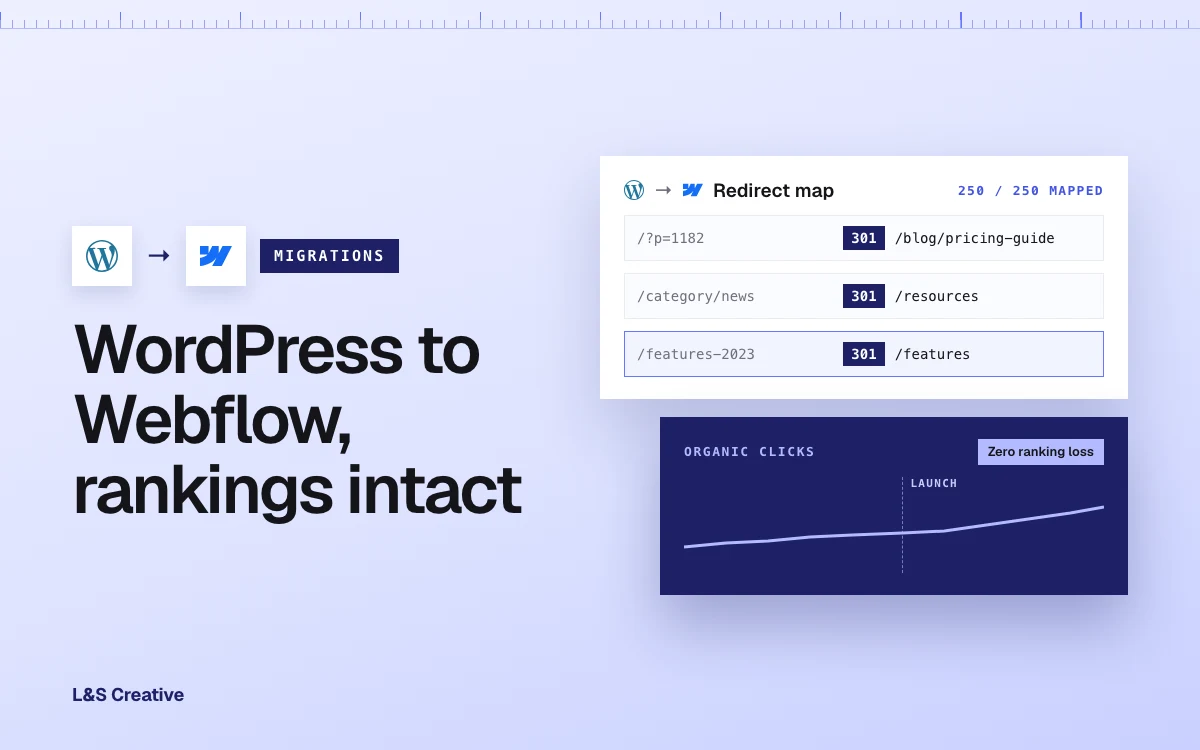
The one place this gets real is a migration. If you switch platforms and handle URLs, redirects, and content the wrong way, you can absolutely tank your traffic. Handle it right and your rankings hold.
We went deep on exactly that in WordPress vs Webflow SEO: will your rankings drop when you switch? If SEO is your main worry, read that one. For the platform decision itself, SEO is close to a wash. (If you are already on Webflow, our Webflow SEO guide covers the setup.)
When WordPress is actually the better choice
We migrate teams to Webflow for a living. We have run around a dozen WordPress to Webflow migrations. So take this seriously: there are real cases where WordPress is the right call.
- You need to own the host and files. Some teams need full control over where the site lives, the server config, and every file. WordPress gives you that. Webflow does not.
- You are pushing heavy bandwidth. High-traffic sites can save real money by self-hosting WordPress and shopping for cheaper bandwidth. Webflow's bundled bandwidth is convenient, not portable.
- You have a big editing team. If a lot of people need to create and edit, WordPress lets them all work without per-seat fees. Webflow's seat pricing starts to sting.
- You need low-level configuration. Custom security headers and similar file-level control are easy in WordPress because you have the files. In Webflow, that level of control lives behind Enterprise, which means a much bigger budget.
If two or three of those describe you, WordPress is not the safe old choice. It is the correct one.
The trade-off: control means responsibility
Here is the part the "WordPress gives you control" crowd skips. That control comes with a bill.
When you own the host and the files, you also own the security. If your site gets hacked, that is yours to figure out. If a plugin breaks or a plugin ships malware, yours to catch and remove. And plugin malware is not a small thing. It can reach your forms and quietly steal the data your visitors submit.
Webflow is managed and hosted, so the platform carries that layer for you. Fewer moving parts, smaller attack surface, less that can go wrong on your watch.
Then there is the skill gap. Any serious theme or framework change in WordPress means knowing PHP and understanding how WordPress is built. That is not a weekend skill.
A concrete example we hit all the time: dynamic schema markup. In Webflow, we add our schema tooling and pull the CMS data in dynamically. No code. In WordPress, if we want to avoid loading yet another plugin, we write custom PHP inside the theme template to do the same job.
That is fine on our end. We have a full-stack WordPress team, so we do that kind of work when a project calls for it. The question is whether you have that muscle in-house, or the appetite to pay for it every time the site needs to change.
The verdict for B2B SaaS
For most B2B and SaaS marketing sites, Webflow is the better fit. You get speed, design control, and a platform that handles the boring, risky infrastructure so your team can focus on shipping pages and generating pipeline.
WordPress earns the nod when control is the priority: you need to own the host, run cheap bandwidth at real scale, support a large editing team, or configure things at the file level. Those are legitimate reasons, not consolation prizes.
The trap is choosing on habit or hype instead of fit. WordPress because it is what you know. Webflow because it is trendy. Neither is a strategy.
We build on both, which is exactly why we can tell you the truth: pick the platform that matches how your team actually works. If that is Webflow and you are coming from WordPress, we do this every week. Take a look at our WordPress to Webflow migration work, or see how we moved Transfr's 250+ page site with zero ranking loss and an 86.3% speed gain. Then talk to us about your setup before you commit either way.
Frequently asked questions
Is Webflow better than WordPress for a B2B website? For most B2B marketing sites, yes. Webflow gives you faster launches, full design control, and managed hosting, so your team ships pages instead of maintaining infrastructure. WordPress is the better pick when you need to own the host and files or support a large editing team.
Is Webflow more expensive than WordPress? It is not really a budget question. We have built large sites on both. The real cost levers are bandwidth at scale (cheaper on self-hosted WordPress) and per-seat pricing (Webflow charges per editor). Control, not price, usually decides it.
Can you migrate from WordPress to Webflow without losing SEO? Yes, when the migration is planned properly. Rankings hold if URLs, redirects, and content are handled correctly. We cover the details in our WordPress vs Webflow SEO guide.
Is WordPress more secure than Webflow? It is more configurable, not automatically more secure. WordPress lets you set custom security headers via file access, but you also own all the risk: patching, hacks, and plugin malware are on you. Webflow is managed and hosted with a smaller attack surface.
When should you stay on WordPress? When you need to control the host and files, run cheap bandwidth at high traffic, support many editors without seat fees, or configure the site at a low level. If two or more of those apply, WordPress is the right choice.