- Google ranks pages, not platforms. WordPress and Webflow can both rank at the top of Google. Neither one wins by default.
- Webflow gives you SEO controls without the plugin tax. Clean code, fast hosting, per-page titles and meta, sitemaps, and 301 redirects are built in. WordPress matches this only after you add and maintain plugins.
- Rankings drop during a migration, not because of Webflow. The cause is broken redirects and lost URLs, not the platform you moved to.
- Google says 301 redirects do not cause a loss in PageRank. Handle the redirects right and your link equity moves with you.
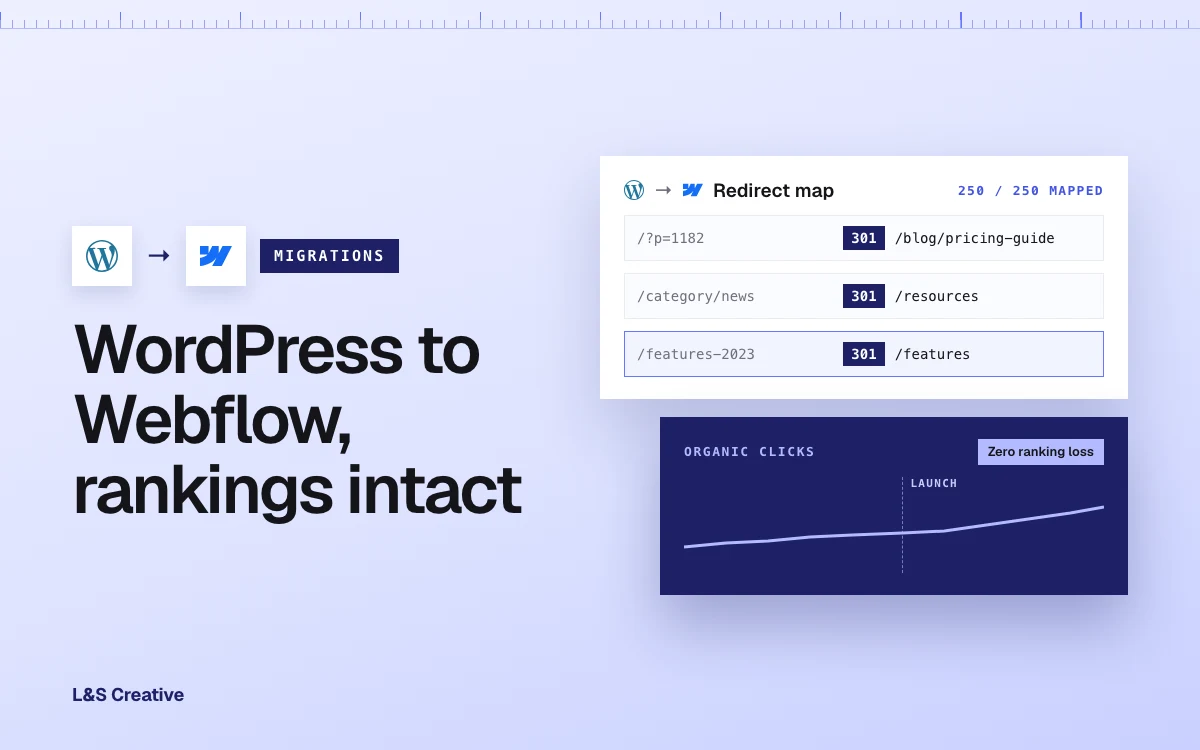
- We migrated Transfr's 250+ page WordPress site to Webflow with zero ranking loss and an 86.3% faster site. The switch did not cost them traffic.
- The risk is in the execution, not the platform. A rushed migration hurts SEO. A prepped one protects it.
- We build in both WordPress and Webflow, so this is not a sales pitch. Sometimes the right call is to fix your WordPress site, not leave it — and we have told clients exactly that.
You found Webflow. You love the idea of it. No more plugin updates at midnight. No more waiting on a developer to change one line of copy. Then the fear hits.
What happens to your Google rankings when you leave WordPress? Will the traffic you spent years building disappear the day you switch?
That fear stops more marketing teams from moving than anything else. So let us answer it honestly. This is a straight comparison of WordPress vs Webflow SEO, and a clear answer to the only question that really matters: will your rankings drop when you switch?
The real question behind WordPress vs Webflow SEO
Here is the thing most "which platform is better for SEO" articles get wrong. Google does not rank platforms. Google ranks pages.
It cares whether a page loads fast, whether it can crawl and understand the content, whether the structure is clean, and whether the content answers the search. WordPress can do all of that. Webflow can do all of that.
The difference is how much work each one asks of you to get there, and how much can break along the way.
So the honest framing is not "who wins." It is two separate questions. First, which platform makes strong technical SEO easier to run. Second, will moving between them cost you the rankings you already have. We will take both.
One thing up front, because it shapes everything below: we build and maintain sites on both platforms. Our team is full-stack developers and strategists, not platform fans. Anything we can build in Webflow we can build in WordPress, and the other way around. So we are not here to sell you Webflow. We are here to tell you which platform makes strong SEO easier for a team like yours, and how to move without losing what you built.
WordPress vs Webflow SEO: how the two platforms compare
Both platforms can rank. They just get you there differently.
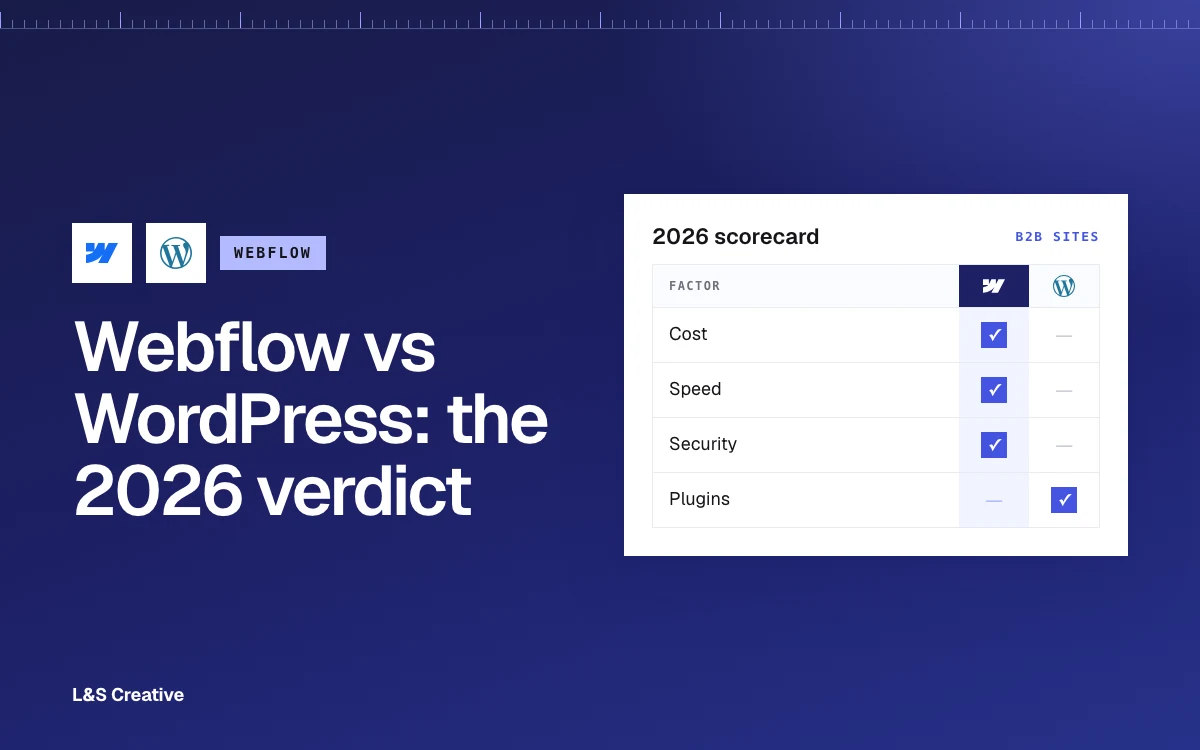
Here is the honest side-by-side:
Notice the pattern. WordPress gives you power through add-ons you have to manage. Webflow gives you the same essentials natively, with fewer moving parts to break.
Speed and Core Web Vitals
Speed is not a nice-to-have. It is a ranking signal and a conversion lever at the same time.
Google and SOASTA studied this directly. As mobile page load time goes from one second to three seconds, the probability that a visitor bounces rises by 32 percent. At five seconds it rises by 90 percent. At ten seconds it rises by 123 percent. Slow pages lose people before they read a word.
This is where Webflow has a real edge. You start with clean code and fast hosting, so good Core Web Vitals are the default rather than a cleanup project. WordPress can absolutely be fast, but it usually gets there after you fight theme bloat, caching plugins, and image optimization add-ons.
We saw the gap first-hand. When we moved Transfr's 250+ page site from WordPress to Webflow, the new site loaded 86.3 percent faster. You can read how we did that in our Transfr migration case study.
We did not just do this for clients. We moved our own site off WordPress to Webflow and saw page performance improve by 21.4%. We already had a well-performing website, just needed more creative freedom.
When your own agency site runs on the platform you recommend, you learn every sharp edge before a client ever hits one.
Plugins vs native SEO
On WordPress, your SEO lives inside plugins. Yoast or Rank Math for meta and schema. A redirect plugin. A caching plugin. A sitemap plugin, or one bundled in. Each one is power. Each one is also a dependency you have to update, and a thing that can conflict with the next update.
On Webflow, most of that is native. Titles, meta, canonicals, alt text, and sitemaps sit in the platform. There is less to install, less to maintain, and less to go wrong right before a big campaign. If you want the deeper how-to, our Webflow SEO guide walks through the settings step by step.
There is a deeper issue than upkeep: control. On WordPress, a marketing team is often one auto-update away from a problem it did not cause and cannot see coming. A plugin updates. Something breaks. Was it the plugin? A conflict between two of them? A security hole? You are debugging a stack you do not fully own. When we build in Webflow, there are no plugins to trust, and any custom feature is code we wrote, so we can maintain it. That control is the part teams underestimate most.
Neither approach is "better SEO" on its own. But fewer moving parts means fewer ways to accidentally break your rankings. That matters more than most teams expect.
Will your rankings drop when you migrate?
Now the real fear. This is the question hiding behind every WordPress vs Webflow SEO search.
Here is the truth. Rankings move during a migration because of how the move is handled, not because the destination is Webflow. Get the mechanics right and your rankings come with you.
Google is clear on the core of it. In its own migration documentation, Google states that 301 and other permanent redirects do not cause a loss in PageRank. When you point an old URL to its new home with a proper 301, the ranking signals follow. Google also advises keeping those redirects in place for at least a year so it has time to fully process the move.
So what actually causes the horror stories? Not the platform. It is the execution:
- Missed URLs. A page with no redirect becomes a 404, and its rankings and backlinks die with it.
- Careless URL changes. Changing your URL structure without a one-to-one map scrambles the equity you built.
- Lost content and metadata. Titles, meta descriptions, and body content that do not carry over tell Google the page changed for the worse.
- Orphaned pages. Pages that lose their internal links get crawled less and rank lower.
Every one of those is preventable. Our approach at our agency is to prep the existing site first, before anything touches Webflow. We build a master migration sheet that pulls every URL, maps every redirect, and flags every page earning or sending backlinks. That is the opposite of the common mistake, which is dumping a WordPress site straight into Webflow and hoping. You can see the full method in our WordPress to Webflow planning guide, and the deeper ranking-preservation playbook in our migration SEO guide.
The proof it works: we moved Transfr's 250+ page WordPress site to Webflow with zero ranking loss. Not "recovered quickly." Zero loss.
Transfr is not a one-off. Cook Solutions Group came to us with a 700-page WordPress site so bloated their team was afraid to touch it — every update meant hunting for what might break. We rebuilt it on Webflow as roughly 50 strong core pages, so they could finally run SEO, run ads, and launch a new brand on a site they could actually manage. Across more than a dozen migrations, we have never had one go sideways.
Where switching can hurt your SEO
We will not pretend a migration is risk-free. It is not. Here is where a switch genuinely can cost you, so you can plan around it.
If you change your domain at the same time. Moving platform and domain in one step is the risky version. Search Engine Journal studied 892 domain migrations and found it took an average of 523 days for the new domain to match the old traffic level, and 17 percent never fully recovered. That is the worst case, and it is a domain-change problem, not a Webflow problem. If you keep the same domain, you avoid most of it. When you can, move platform first and change domain later.
If you skip redirects or change URLs carelessly. This will sink your rankings on any platform, WordPress included. It is not unique to Webflow. It is just unforgiving.
If your content was thin to begin with. A faster, cleaner site will not rescue pages that never deserved to rank. Webflow removes technical excuses. It does not write better content for you.
Upfront cost. Webflow usually costs more to start than a bargain WordPress host. You are trading a higher entry price for speed, security, and far less maintenance. For most B2B SaaS teams that trade pays for itself, but it is a real trade-off worth naming.
When WordPress is actually the right call
Because we build in both, we will sometimes tell you not to switch. If your site is maintained by a development process that already works, and your marketing team is not the one going in to fix and ship pages, moving to Webflow may solve a problem you do not have.
That was the case with one B2B client on WordPress. We looked at their setup and realized the platform was not the problem — the site structure was. So instead of migrating, we restructured the existing WordPress site, then ran our SEO strategy on top of it. It now scores 90+ on mobile page speed and performs far better than before. Same platform, different structure, real results. Webflow is often the easier place to run SEO, but "often" is not "always" — and we would rather tell you that than sell you a rebuild you do not need.
The verdict on WordPress vs Webflow SEO
Both platforms can rank at the top of Google. That part is settled.
Webflow gives you fast, clean, SEO-friendly foundations without a stack of plugins to babysit. WordPress gives you flexibility and a huge ecosystem, if you have the resources to maintain it well. For a marketing team that wants to ship pages fast and stop fighting maintenance, Webflow is the easier place to run strong SEO.
And the rankings question you came here for? It is a migration question, not a platform question. Done carelessly, a move hurts. Done right, it protects your traffic and hands you a faster site on top. See exactly how we scope and price that on our WordPress to Webflow migration service page.